DICK Markdown Guide
Standard Markdown syntax and DICK custom extensions — complete reference
1. Standard Markdown
All standard Markdown syntax is fully supported on the DICK platform. Below is a quick reference.
| Syntax | Description | Rendered Output |
|---|---|---|
# H1 |
Heading level 1 | Heading 1 |
## H2 |
Heading level 2 | Heading 2 |
### H3 |
Heading level 3 | Heading 3 |
**bold** |
Bold text | bold text |
*italic* |
Italic text | italic text |
***bold italic*** |
Bold + italic | bold italic |
~~strikethrough~~ |
Strikethrough text | |
`inline code` |
Inline code | inline code |
```code block``` |
Fenced code block | (multi-line code block) |
[link](url) |
Hyperlink | link text |
 |
Image | (rendered image) |
- item |
Unordered list |
|
1. item |
Ordered list |
|
> quote |
Blockquote | quoted text |
--- |
Horizontal rule | |
| col1 | col2 | |
Table | (rendered table) |
2. DICK Custom Syntax
The DICK platform extends Markdown with custom directives for metadata, content control, rich media, and interactive widgets. All custom syntax operates within standard Markdown documents and is parsed server-side.
2a. Metadata Headers
Metadata fields placed at the top of the document. Each must appear on its own line.
# heading defines the article title shown on the post card and page header.#. Used for filtering and search.2b. Content Control Tags
Tags for hiding or restricting access to specific sections within an article. Each tag wraps content between start and end markers on their own lines.
2c. Echo System
Echo blocks let writers insert specially styled callouts — quotes and notes with attribution.
2d. Phiz Expressions
Inline emoticon images rendered from the DICK character sprites. Syntax:
[phiz:id|optional note] — the note text appears as a tooltip on hover.
| ID | Image | Description | Image | ID |
|---|---|---|---|---|
viel1 |
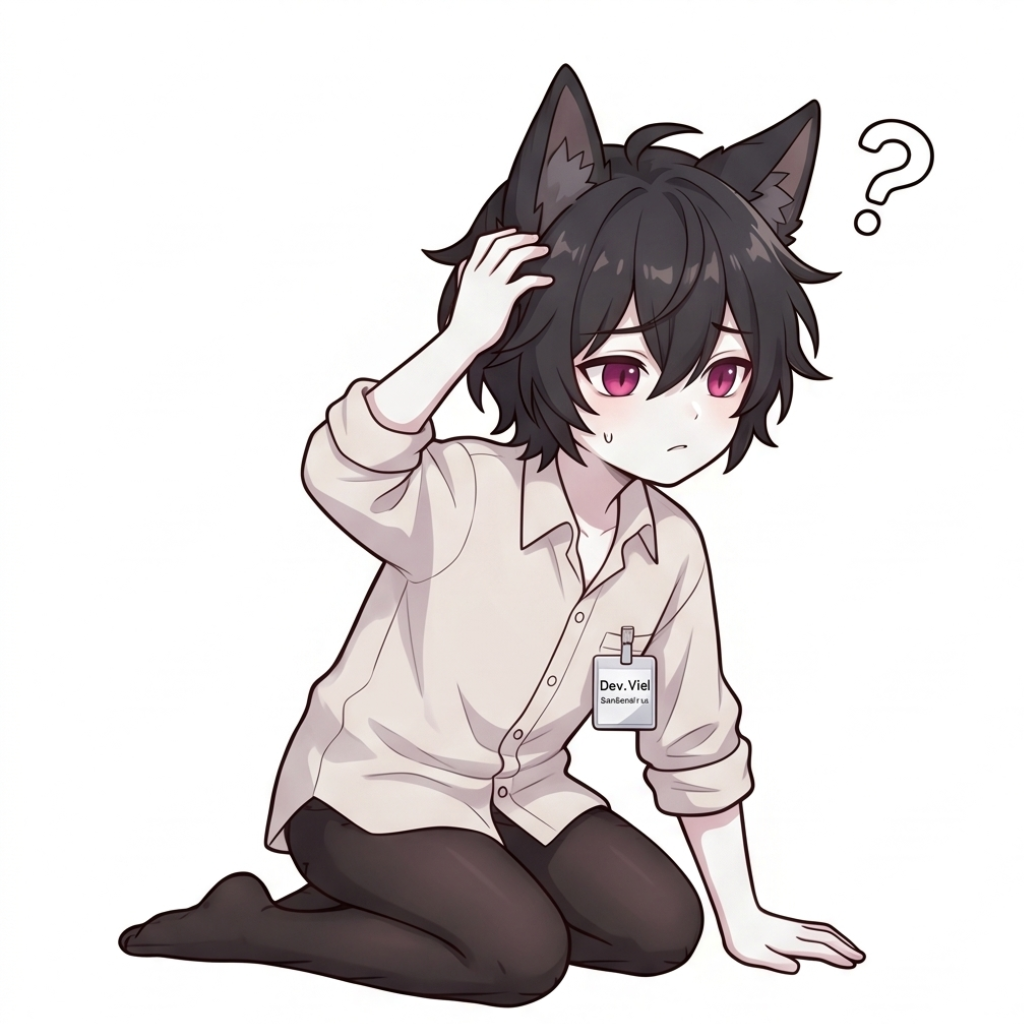 |
Confused / 疑惑抓頭 | 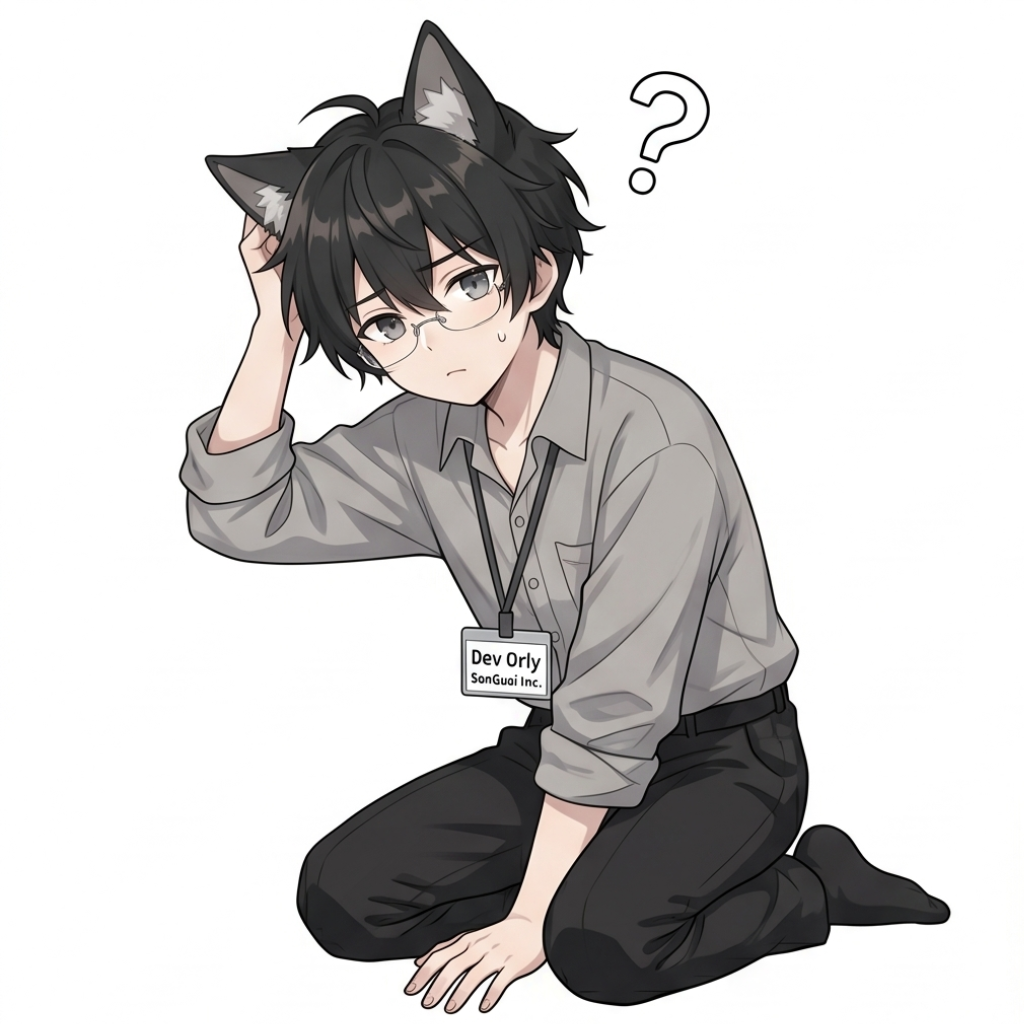 |
orly1 |
viel2 |
 |
Writing / 寫筆記 |  |
orly2 |
viel3 |
 |
Coding (dead inside) / 敲電腦 |  |
orly3 |
viel4 |
 |
Praying / 祈禱求過 |  |
orly4 |
viel5 |
 |
Sleeping / 睡覺 |  |
orly5 |
viel6 |
 |
Love / 愛心 |  |
orly6 |
viel7 |
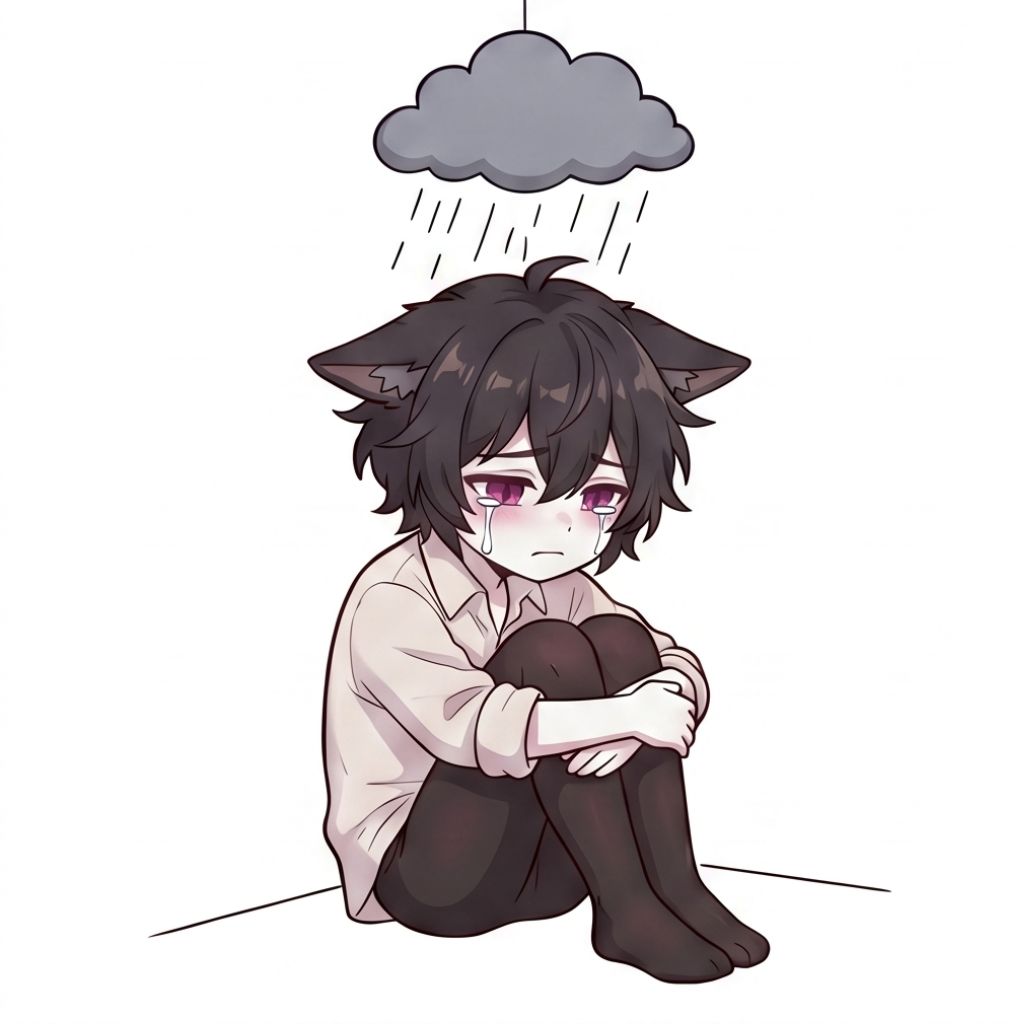 |
Sad / 難過 | 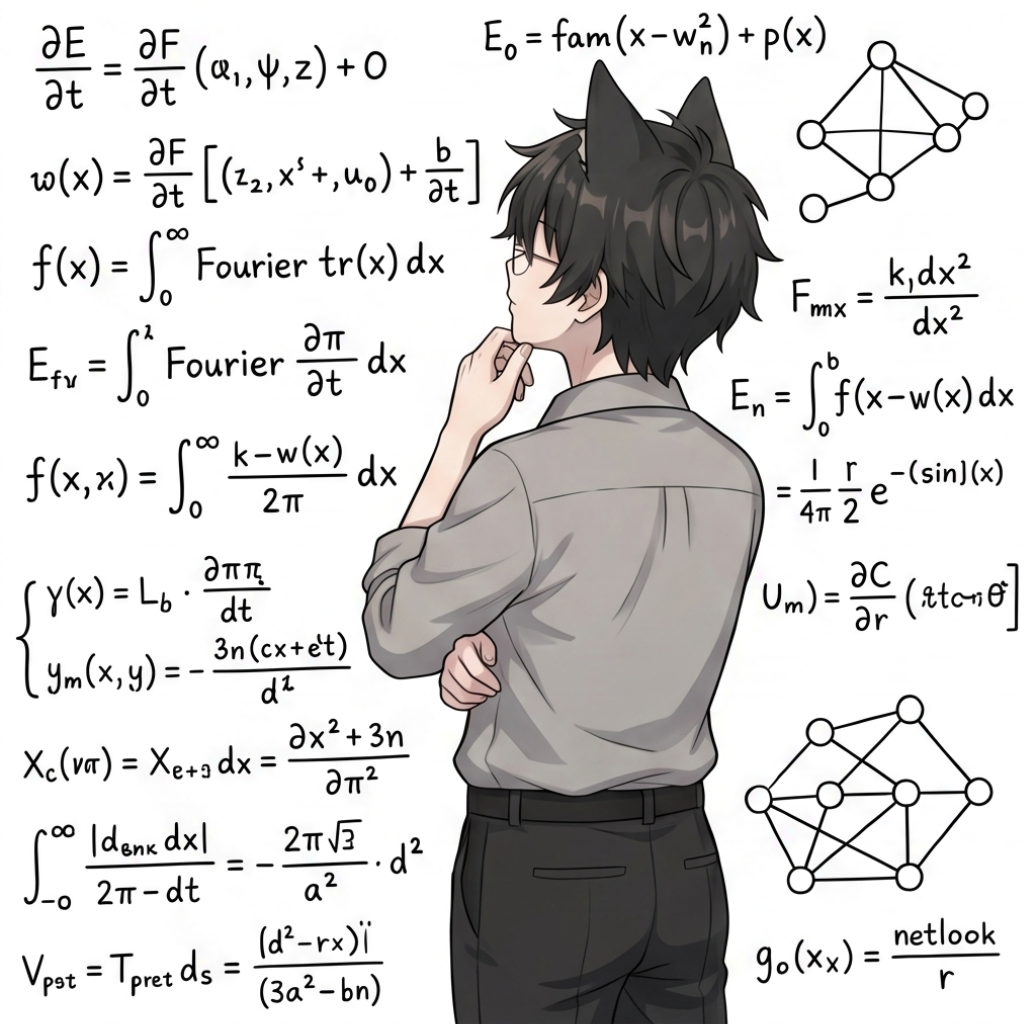 |
orly7 |
viel8 |
 |
Happy / 開心 |  |
orly8 |
2e. Chat Blocks
Simulated chat / messenger-style dialog blocks. Up to 6 speakers (me + 1 through 5).
chat-start / chat-end — open / close the chat block.chat-who-me — message from the current user (right-aligned, blue bubble).chat-who-1 through chat-who-5 — messages from other speakers (left-aligned, gray bubble).
2f. Status Boxes
Colored status callout boxes for highlighting different types of information. Content between the open and close tag on dedicated lines.
| Tag | Description |
|---|---|
box-topic / /box-topic | Topic introduction or section overview box |
box-related / /box-related | Related content or see-also box |
box-question / /box-question | Question or FAQ box |
box-urgent / /box-urgent | Urgent / warning callout (red-tinted) |
box-done / /box-done | Completed / success status box (green-tinted) |
box-right / /box-right | Correct answer or verified information box |
box-wrong / /box-wrong | Incorrect / deprecated information box |
box-dispute / /box-dispute | Controversial or disputed content box |
box-view / /box-view | Opinion / viewpoint box |
box-todo / /box-todo | To-do list or action items box |
2g. Rainbow Text
Animated gradient text using an HTML span element. Supported directly in Markdown since DICK allows inline HTML.
rainbow-text CSS class applies a cycling color animation.
Best used sparingly for emphasis.